VOL. 01 · 2026
Maya's Little Worlds
Photograph each drawing and record your child telling you what it is — their own voice stays with the picture. Turn the favourites into a book you can flip through and hear, and always know which box the paper original is in.
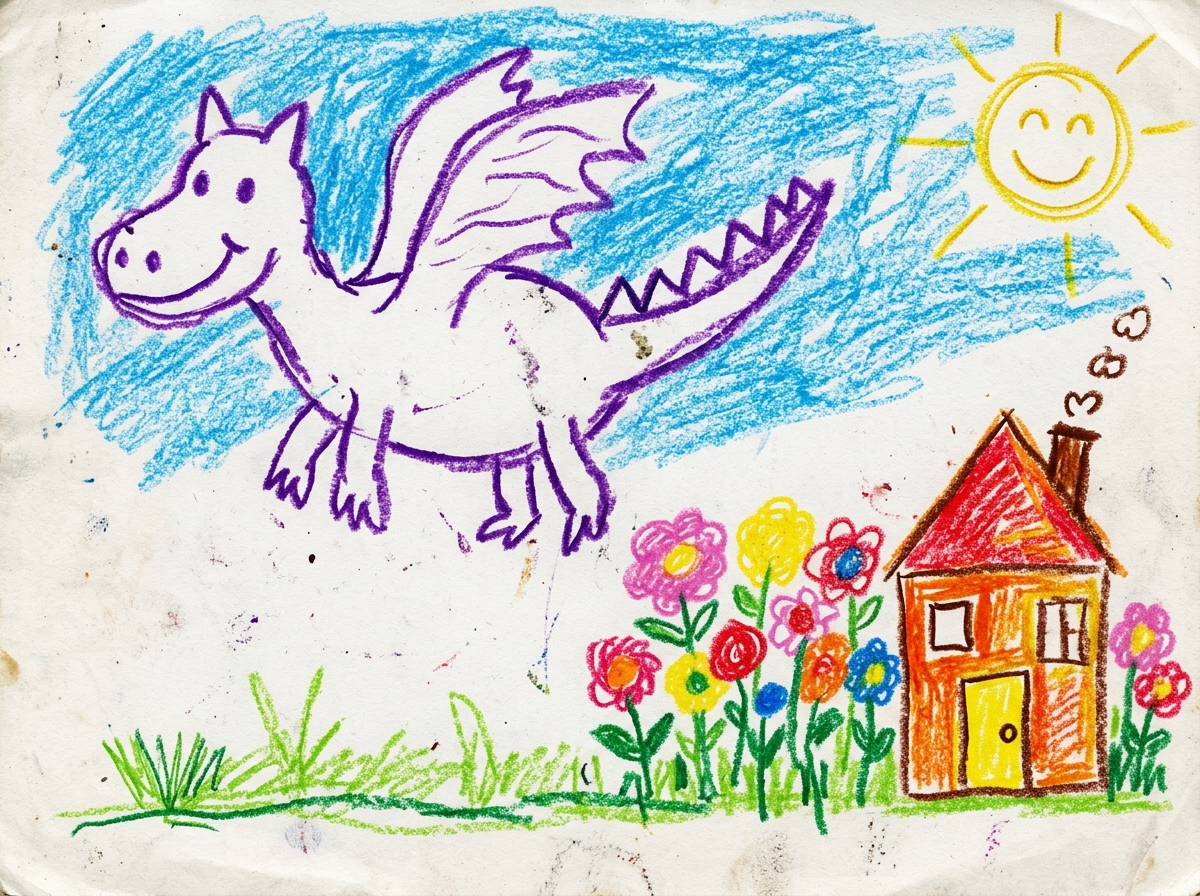
“Mom and I are flying on a giant dragon to pick cotton candy clouds in our secret garden!”
Photograph the drawing and keep what your child said. A book and a storage box are there when you want them.
Find the corners, straighten the page, and crop away the table. Several drawings at a time.
Your child says what the drawing is. That voice stays on the picture.
Pick favourites and bind a book you can flip and hear. Skip it if you like.
When you want to find the paper again, match it to a storage box.
Photograph one drawing or a whole stack. The app finds the corners of the paper, straightens it and crops away the table. Results vary with lighting and paper.
Abstract squiggles often hide boundless imagination. Tap once right after scanning to record your child narrating their masterpiece in their own sweet, fleeting little voice.
The dinosaur is super hungry today, so he is flying up to eat fluffy cotton candy clouds!
Make an artbook from selected drawings, explore it with page-turn reading, and export a PDF or EPUB to keep or share.
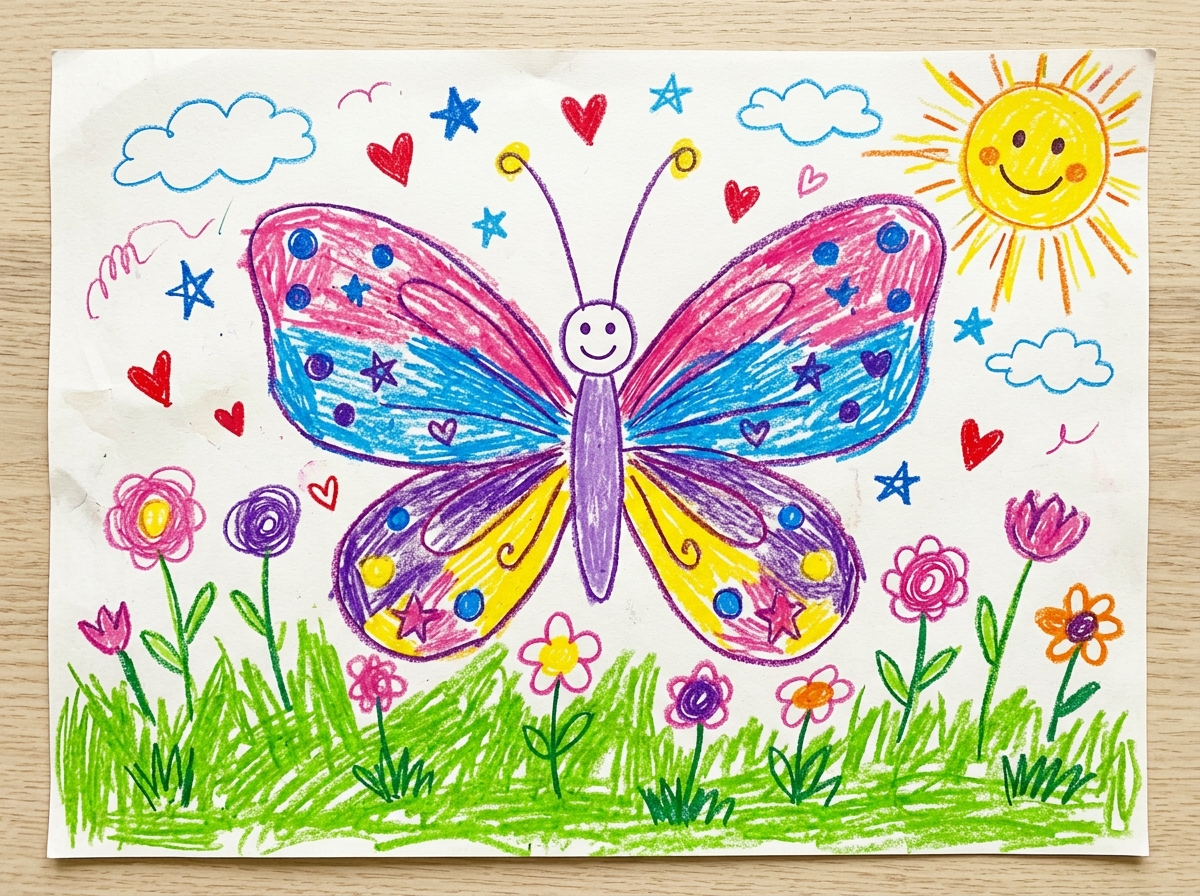
Age 4y 3m · “Butterfly Fairy in the Garden”
Designed for families with multiple kids. Create independent archives for each child—artworks, storage boxes, yearbooks, and timelines are strictly separated and switchable in a tap.
Maya's Spring Gallery
 Box #01
In the app, finished books sit together on a shelf. Tap any book, pick it up, and turn the pages.
Annual Art Collection · Age 4
“At four years old, you could turn an ordinary afternoon into an unforgettable adventure. The rainbow was our giant roof, the tiny dragon slept inside flowers, and fish drank blueberry soda. We keep all your drawings and voices safe here.”
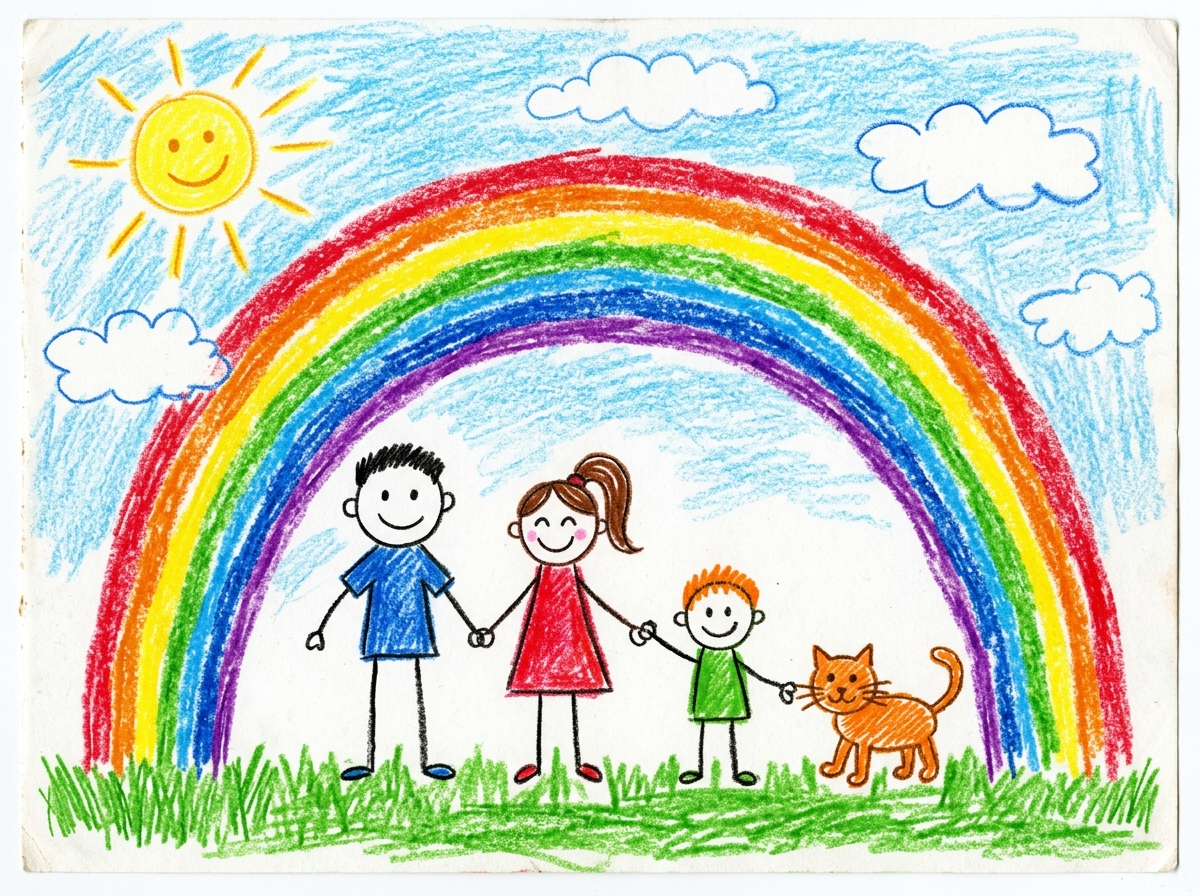
“The rainbow is our giant roof, so the rain can't get us wet.”
Lately Maya loves drawing everyone in the family together, deciding exactly where each person stands.
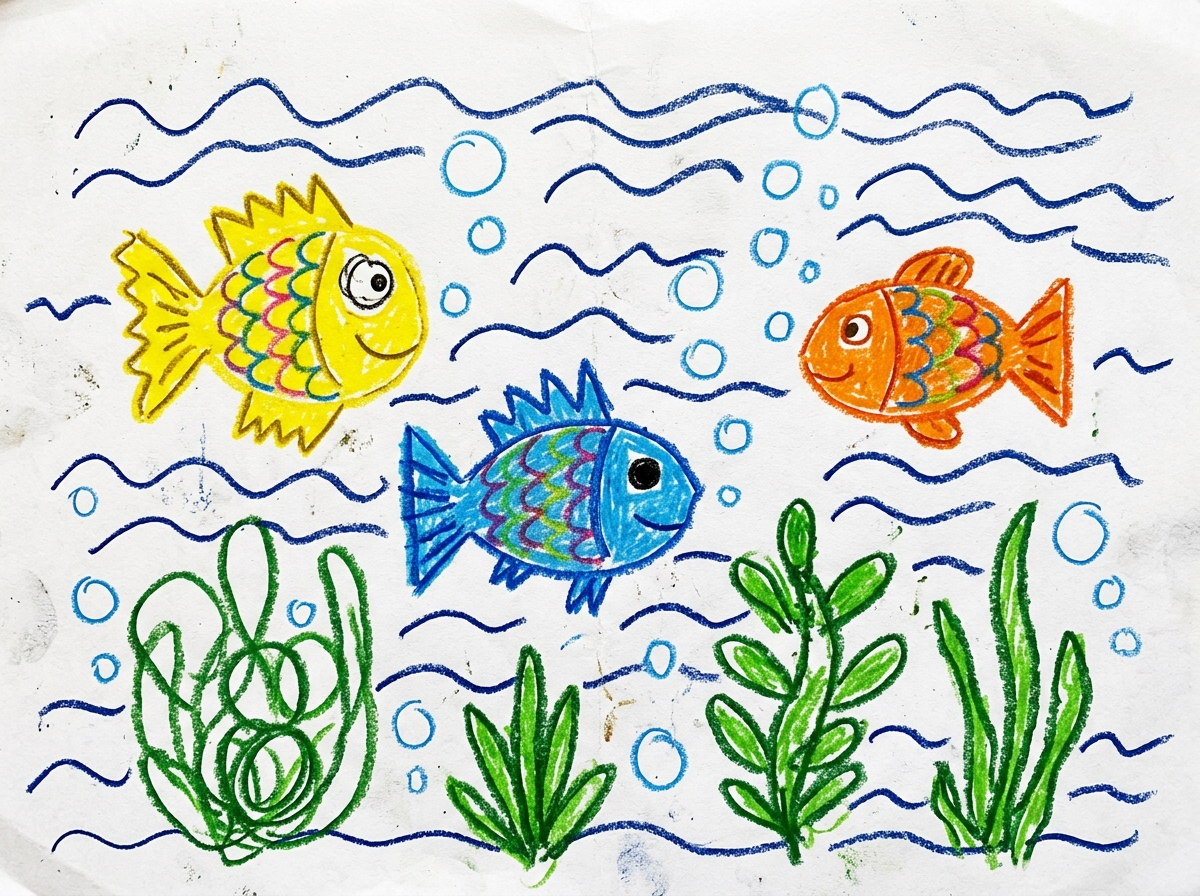
“The little fish are drinking blueberry soda made from sea water.”
Drawn after a visit to the city aquarium. Maya gave every single fish a funny name.
“It only blows sparkly flower dust. It never breathes fire.”
Maya named the dragon Pipi and said it sleeps inside the biggest peony at night.
“The butterfly fairy is dancing in the sunshine, her wings light up at night.”
Created after a preschool symmetry painting exercise; the wing patterns were all her own invention.
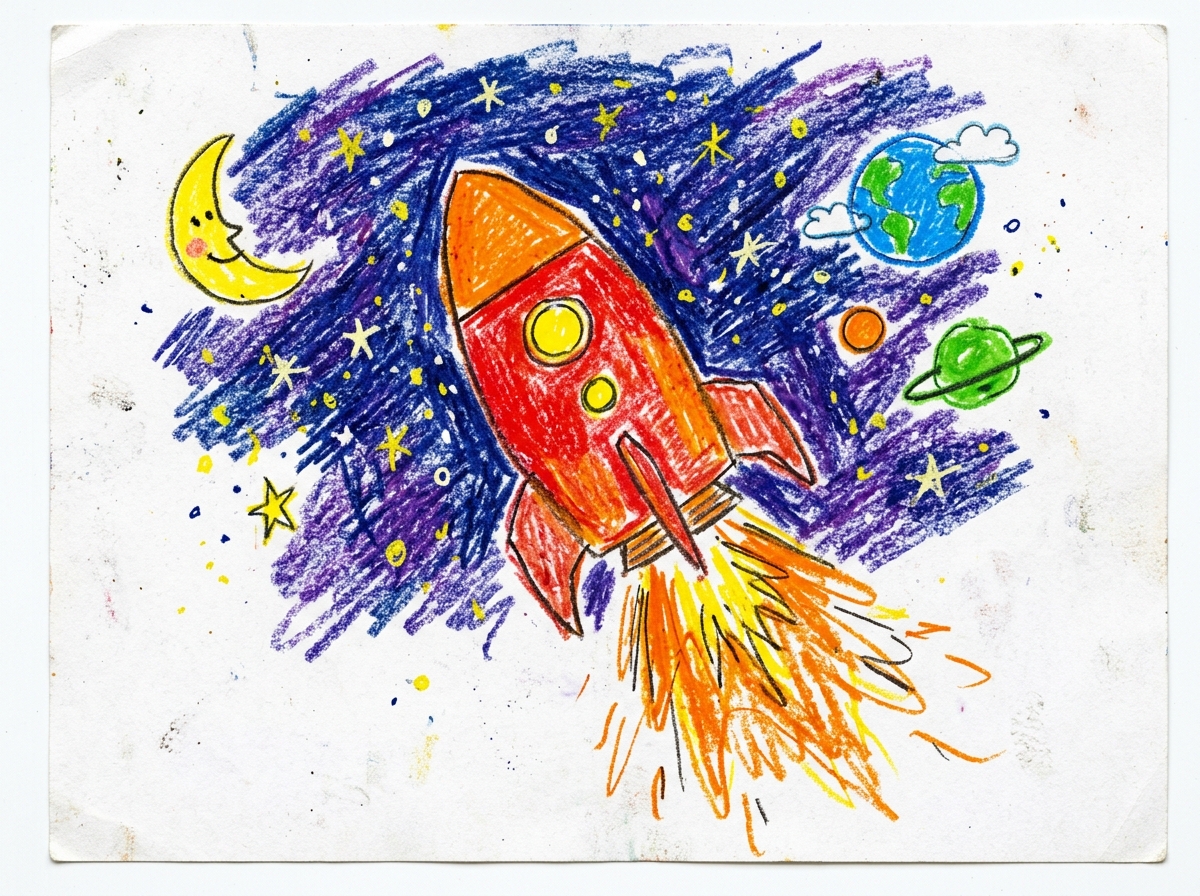
“Dad and I designed this rocket to take our puppy to the moon.”
“From the earliest circles you could barely hold a crayon to draw, to today's vibrant deep ocean and starry galaxies. Every brushstroke is the greatest miracle in our family. May you always hold onto your wonder and boundless curiosity.”
Made with Little ArtShelf
Use your own storage boxes to organize original artworks, then create QR labels to help locate them in the app. Physical boxes are not sold by Little ArtShelf.
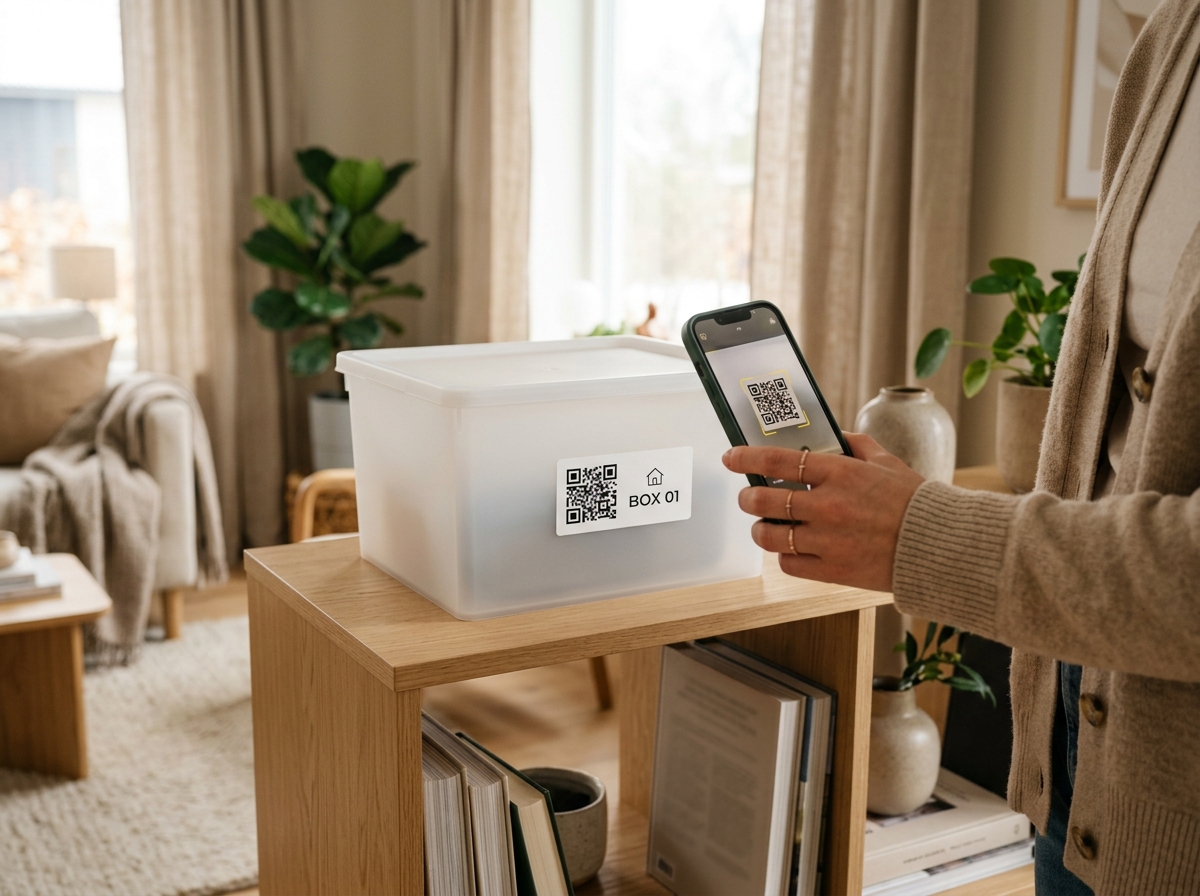
The app generates a QR label for each registered storage box so you can connect its contents with its location. Public QR snapshots are shared only when you choose to publish them.
Find a saved box in the app. If you publish a public box snapshot, anyone with its QR code or link can see the information included in that snapshot.
Record physical locations like “Playroom closet, shelf 2” or “Master bedroom underbed bin.” Search any drawing in the app to find out exactly where the physical paper is stored.
Easily sort by child, school year, or medium (flat paper drawings, 3D crafts, sketchbooks). Physical archival storage and digital gallery stay beautifully synchronized.
Premium uses AI to do the tidying for you, turns favourite drawings into books and posters, writes down what your child said, and backs everything up automatically.
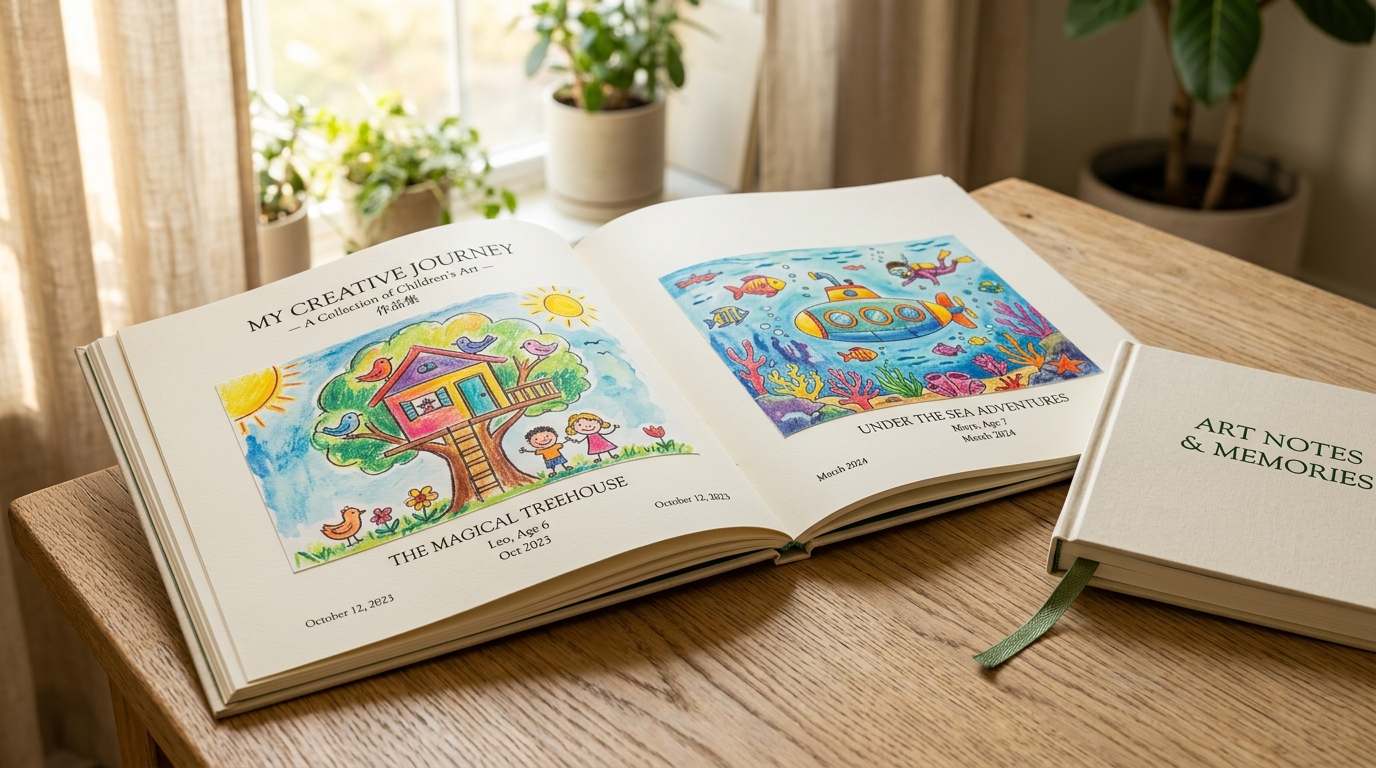
Choose drawings and get a laid-out book with a cover, titles and your dedication. Edit anything, read it with page turns, and export PDF or EPUB.
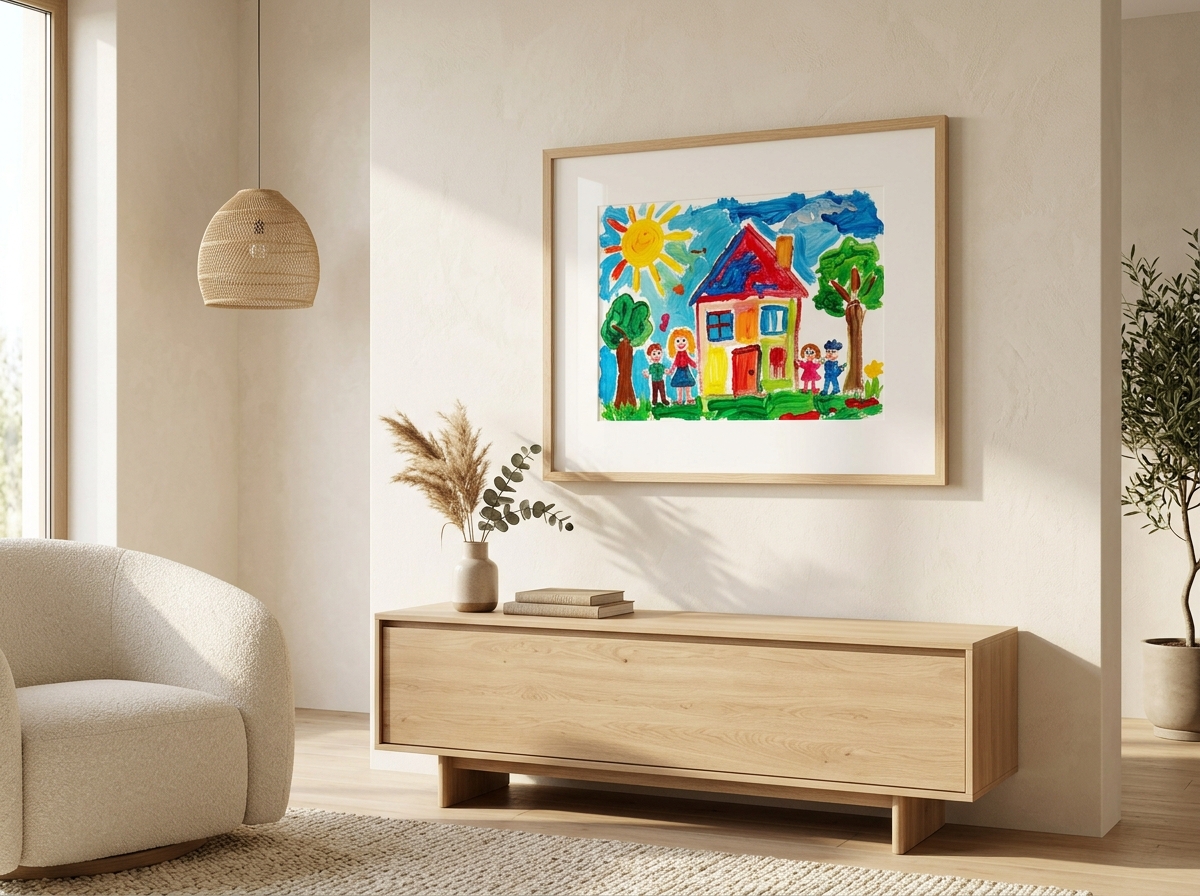
Turn a child’s collection into a gallery-style poster to share or print.
Photograph a stack and AI suggests a title, the medium and tags for each drawing.
Your child’s recording becomes an editable quote. The original audio is kept.
Artwork and recordings back up in the background and restore on a new phone.
Little ArtShelf is built on a local-first philosophy. Original artwork files, audio recordings, and family notes stay primarily stored on your device. Cloud backup is a Premium feature: it runs automatically while you are subscribed or in trial, using transit encryption and access controls. It is not end-to-end encrypted.
Export a full family archive as a ZIP containing artwork, audio, books and storage records, then import it again when needed. Recently deleted items can normally be recovered for 30 days. Exported ZIP files are not encrypted.
Little ArtShelf is available on iPhone and Android. Saving and organising artwork on your phone is free; Premium adds AI creation, smart organisation and automatic cloud backup.